Interaction Design
OVERVIEW
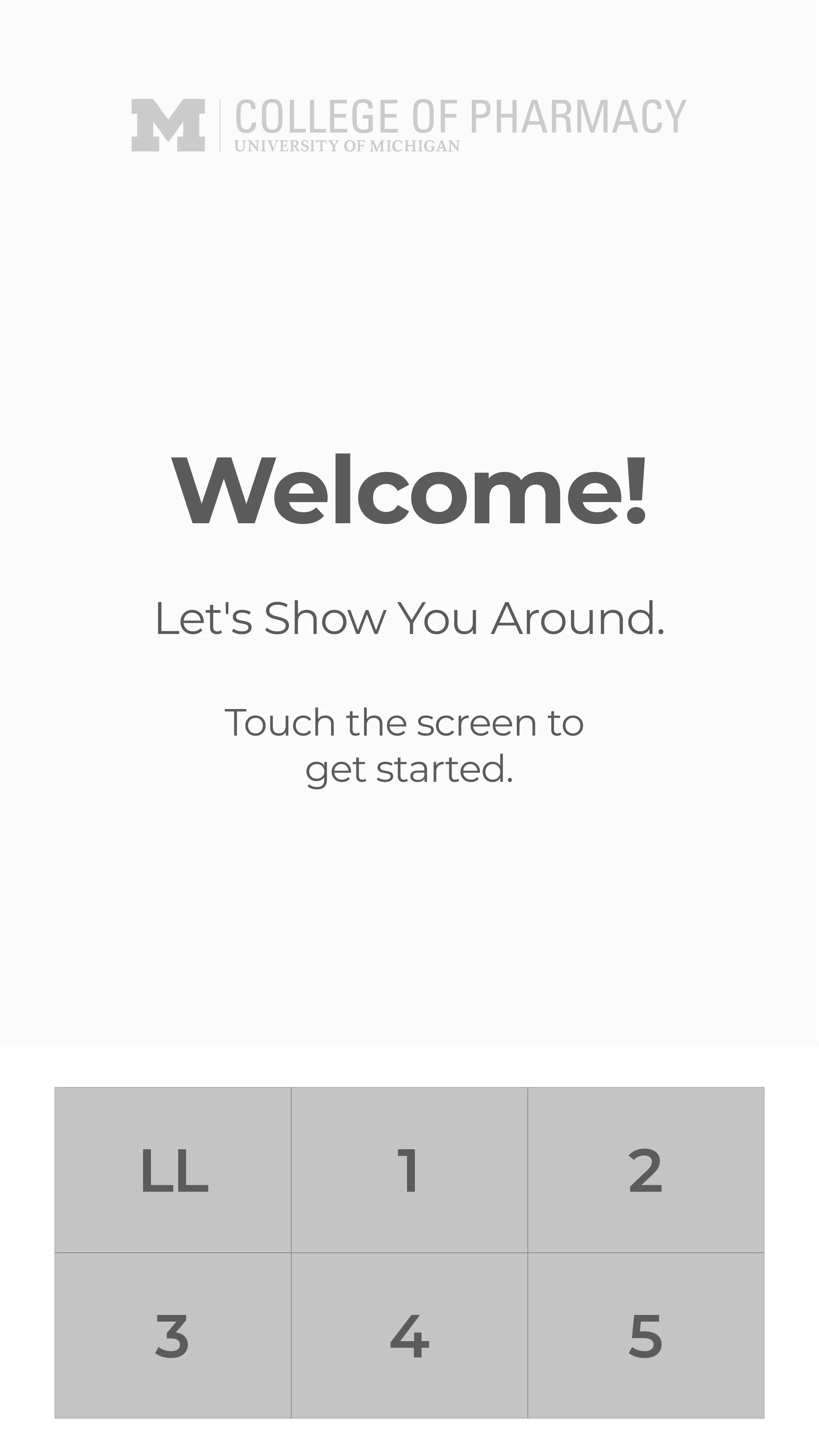
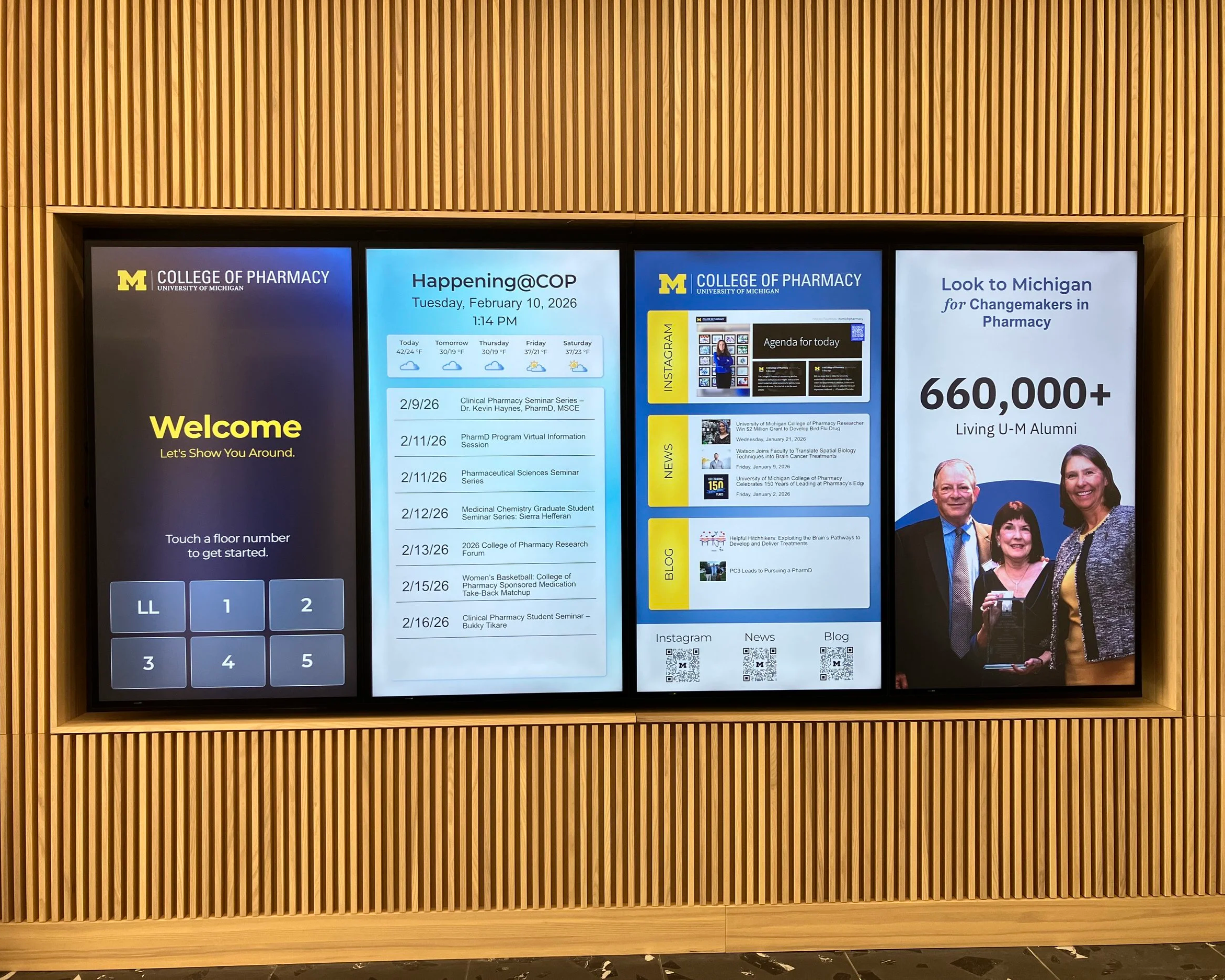
The new College of Pharmacy building opened in August 2026, and with it comes a completely reimagined digital experience for building users. Throughout the building, multiple 4K panels were installed to serve as interactive information hubs. I was responsible for designing and implementing the user experience for these screens.
Project Manager
UX and UI Designer
Motion Graphics Designer
Four Winds Content Manager
ROLE
The Challenge
The building is home to many different users with different needs, including students trying to find offices or classrooms and staff needing quick access to announcements and events. The goal was to create a system that could communicate all of this clearly and efficiently without overwhelming users.
We needed the screens to do a lot at once:
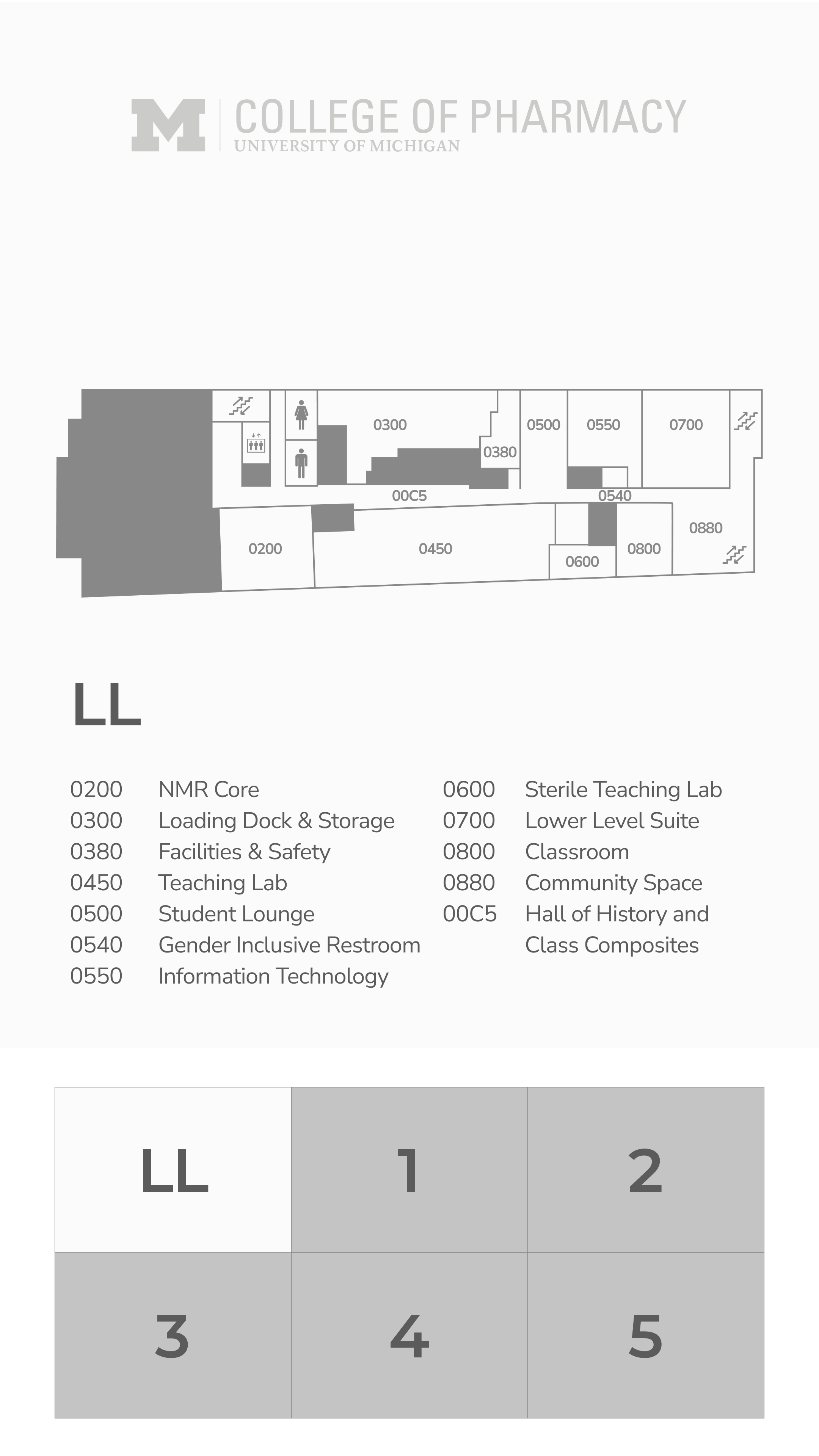
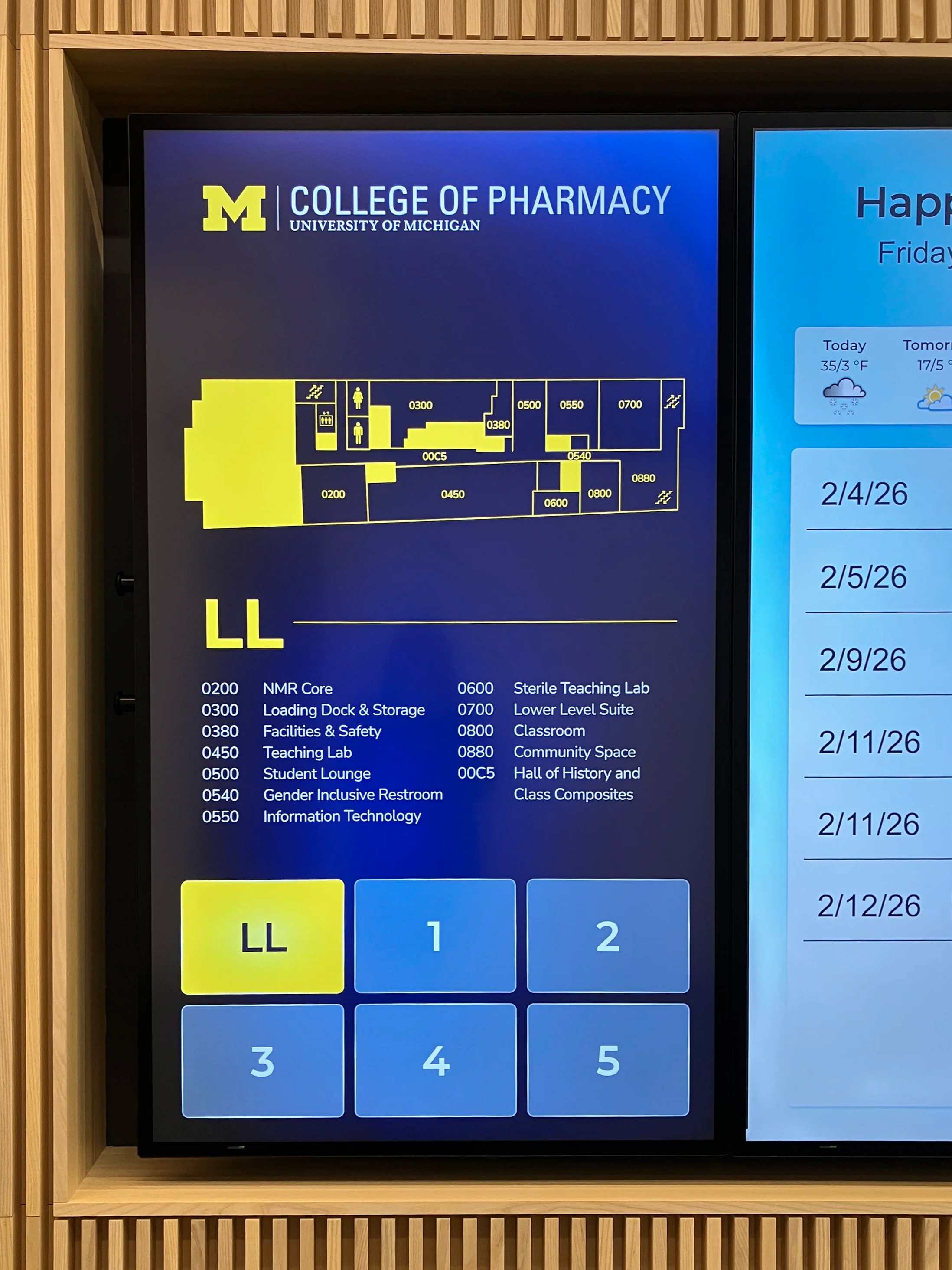
Display wayfinding
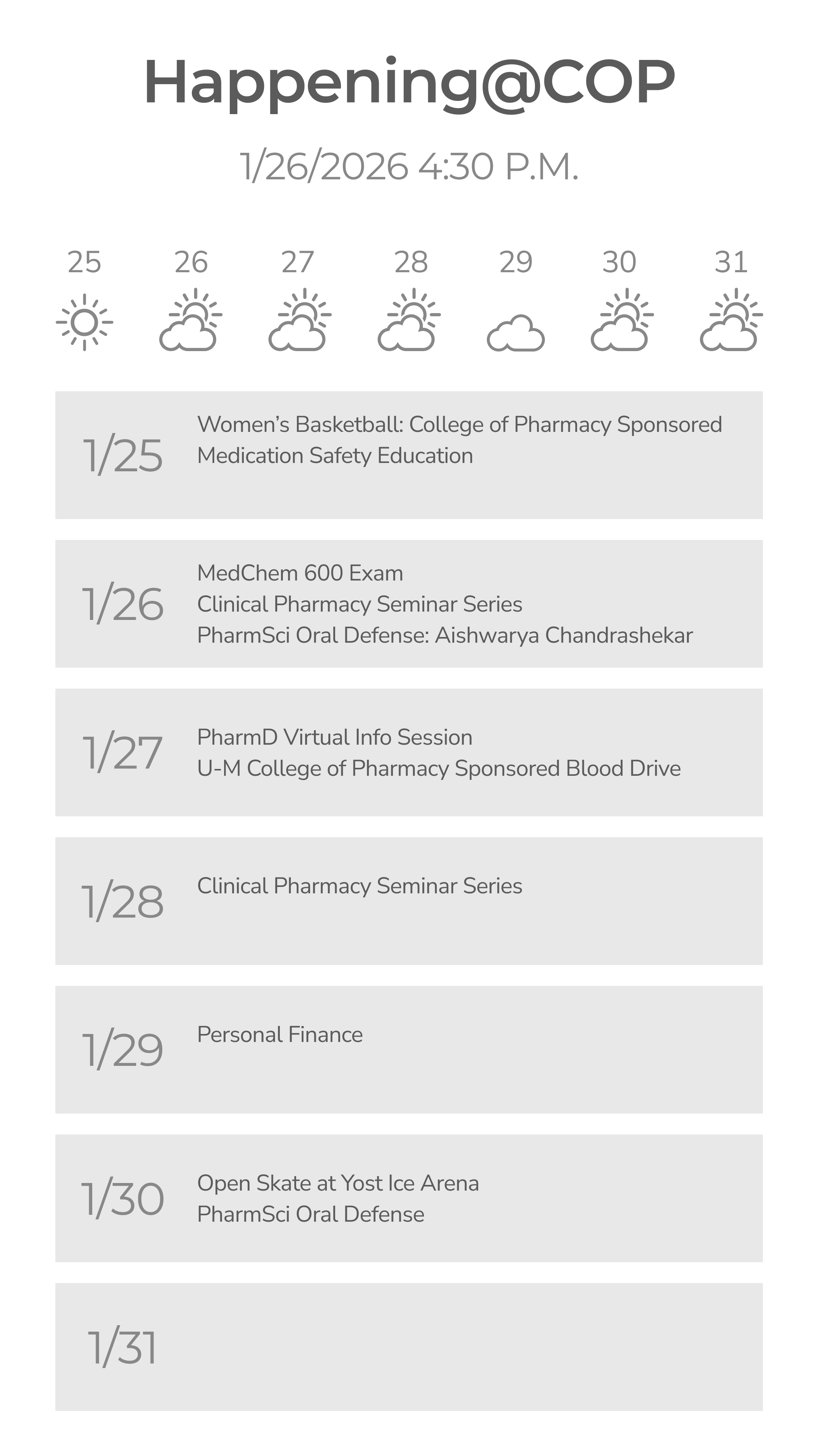
Highlight upcoming events
Share important announcements
Reflect the look and feel of the College of Pharmacy and the university
Be intuitive for people of all technical abilities
There weren’t existing templates to follow, so the project required building solutions from the ground up.
Process
I started by working with stakeholders across the college to understand what information would be most useful in each location and how to meet ADA requirements, and learning how the digital signage software, Four Winds Interactive, received content and updates. From there, I defined user journeys and conducted development testings.
The planning and design phases included:
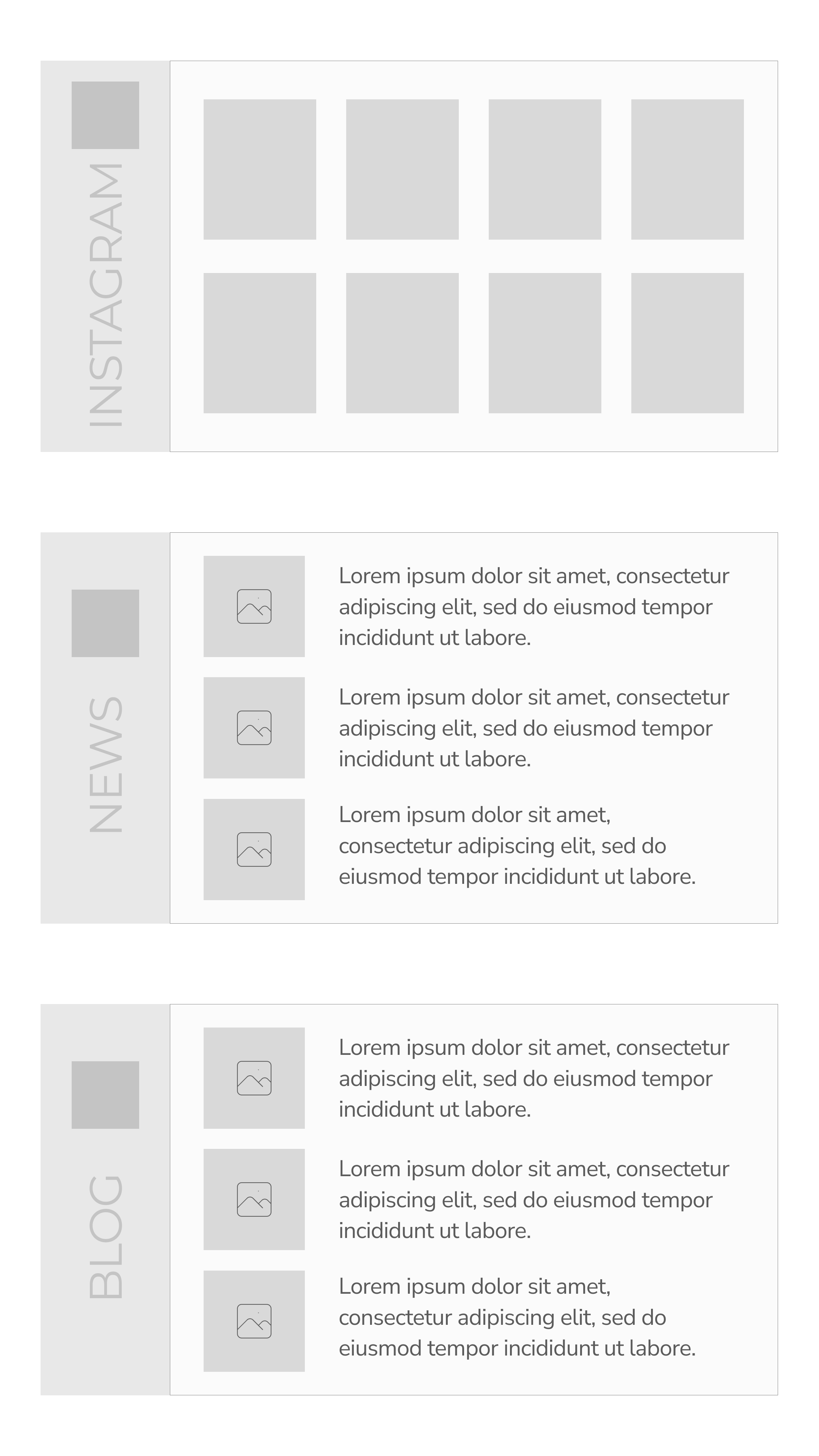
Creating wireframes and layout concepts (wireframes below)
Establishing a visual system consistent with the college and UM brand
Planning how content could be updated easily over time
Updating RSS feeds data with website developer to display uniform images and information on the screens
Procuring new software to showcase social posts (Walls.io)
Once the designs were finalized, I collaborated with campus digital signage partners to implement the interfaces and test them on the actual hardware. This meant building my designs inside the Four Winds Content Manager software.
Outcome
First time visitors can find their destination without needing assistance from the front desk. Faculty, staff, students and visitors can also view upcoming events and announcements on the display, making important information easy to access.
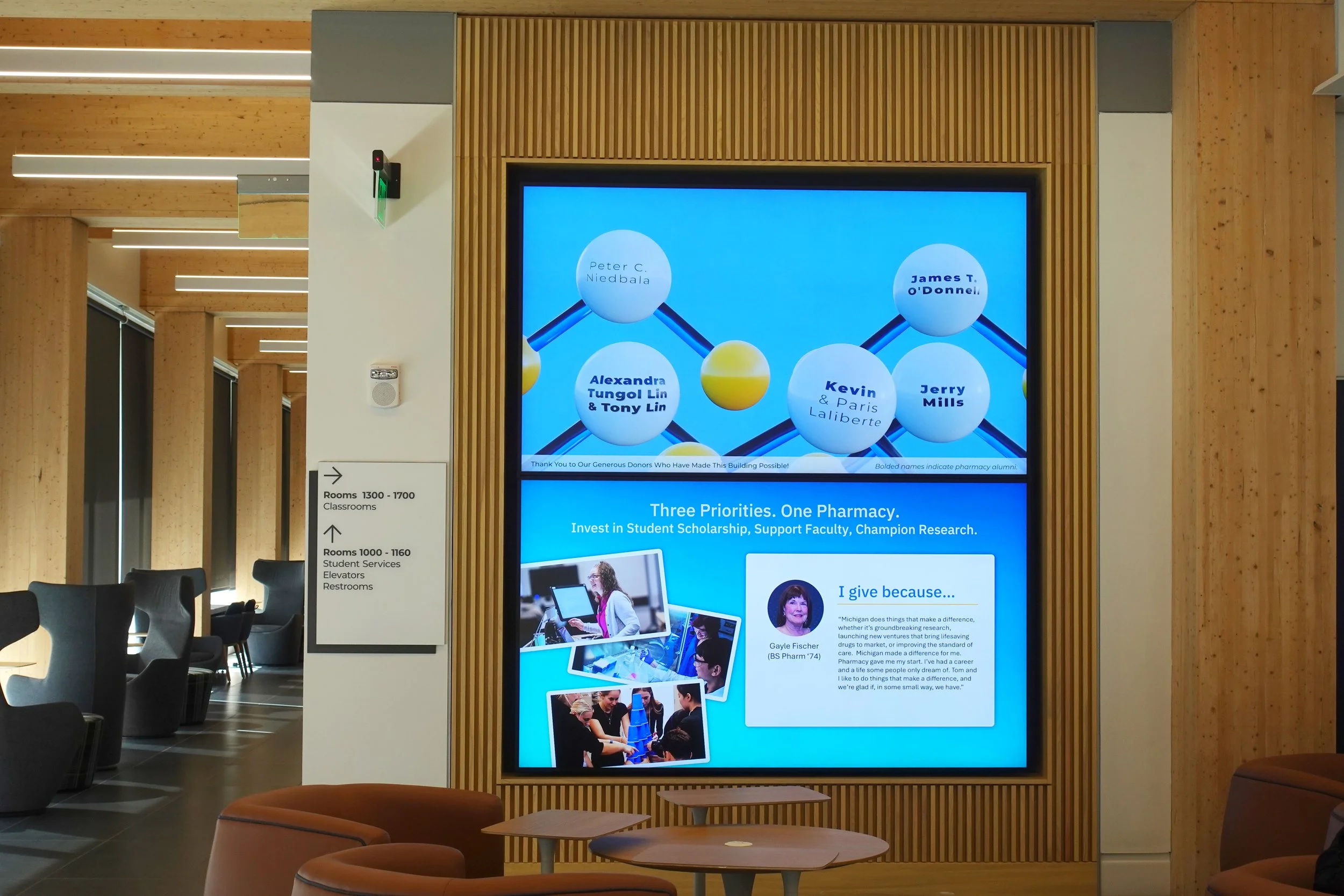
I also designed a donor recognition wall to honor the College’s generous supporters. The upper screen features animated molecules with donors’ names, while the lower screen showcases their personal testimonials.